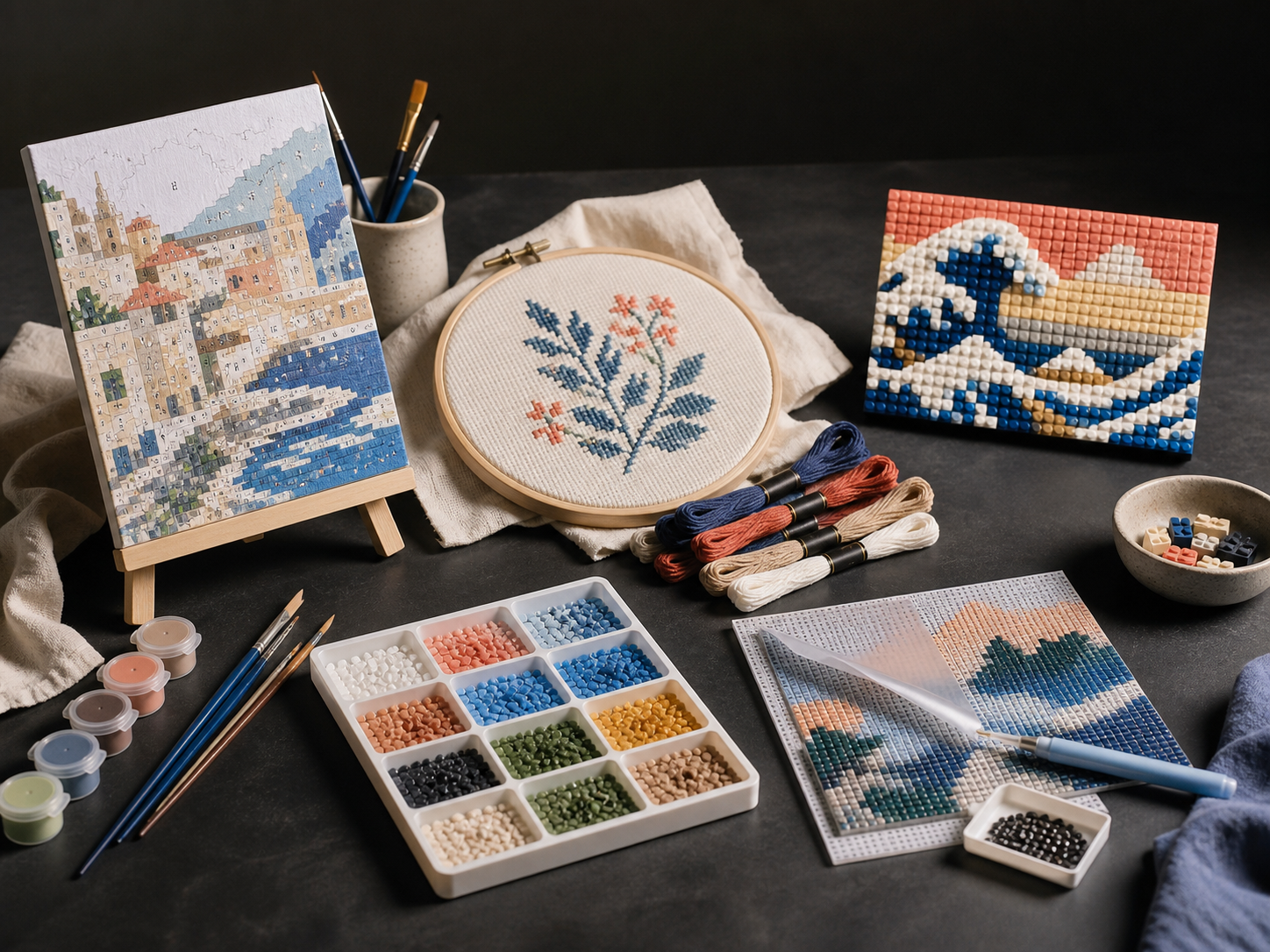
A studio table with creative-kit materials
PaintGenAI

A workflow for production teams

PaintGenAI

Pixel art from an image: a clear silhouette and limited palette.

Pixel art depends on what remains after reducing the grid and colours. Simply shrinking a photo may create noise instead of an expressive picture. PaintGenAI keeps the source, pixel pattern and reviewed version together; physical mosaics or beads need their corresponding technique too.

Request beta access

01

The workflow

Prepare and review the pattern.

  1. 01

    Choose a subject that reads at small size

    Upload an image, emphasise the main silhouette and remove unnecessary background detail. Select pixel art and the format. If the subject is not recognisable when reduced, change the composition before adding colours.

  2. 02

    Review colour shapes on the grid

    The PaintGenAI planning grid uses a 2 mm pitch. Look for random single dots, ragged diagonals and similar shades that do not help the form. Compare the overall picture and enlarged cells: a tidy close-up detail must also work in the whole image.

  3. 03

    Separate digital artwork from materials

    Save the selected version and export. If the artwork is for beads or mosaic, review it using that technique's pitch and palette. The pixel-art 2 mm grid is a planner parameter, not a required size for a digital screen pixel.

One working context

What stays with the project.

Practical answers

Project preparation questions.

01

How is pixel art different from a resized photograph?

A resized photo can leave random coloured dots and unreadable details. In pixel-art preparation, review what each group of pixels conveys: silhouette, light, shadow or an important accent. Several coherent colour shapes can represent a small object better than many similar shades.

02

Can pixel art become a beadwork pattern?

Yes, as a source, but a screen pixel is not automatically equivalent to any bead. Select beadwork and reconsider grid pitch, proportions and available material colours. The beadwork guide linked below explains its planning pitch and preliminary allowance.

03

Why use PaintGenAI for pixel art?

It keeps the source, pixel-art technique, 2 mm grid, pattern review, versions, QA and export in one project.

04

Can I start a pixel-art project with an existing image?

Yes. Upload an existing source or explore options in the AI studio, then choose the version for further work.

05

Must pixel art be linked to physical materials?

No. Add material links when the project needs them. A digital pattern alone does not prove physical kit readiness.

PaintGenAI

Open the workspace for your next project.

Request beta access